Sephiria Online Co-op Guide
Team up through the Mysterious Door — up to four Steam players, shared chaos, and strict host rules.
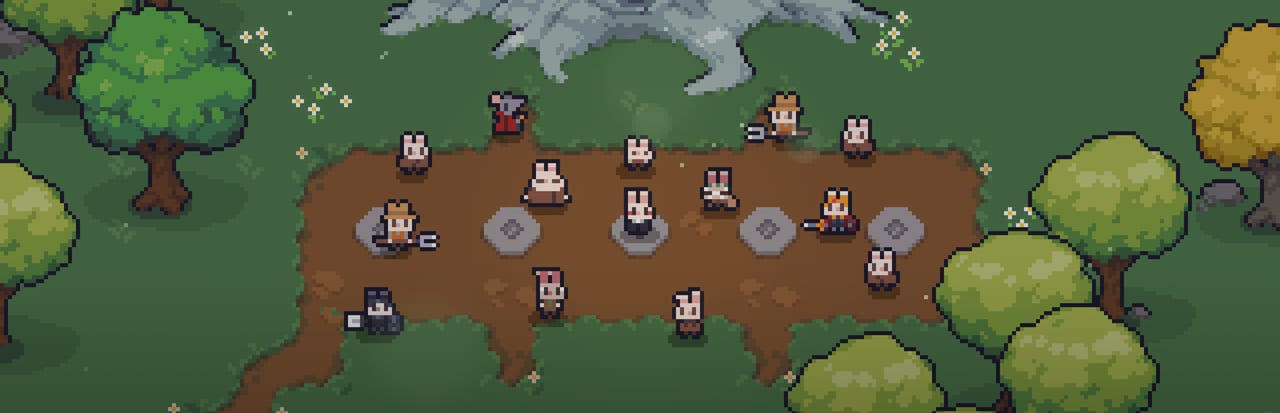
Co-op overview
Sephiria supports online co-op for up to four players through Steam. Unlike solo runs that start from the standard dungeon entrance, co-op sessions begin at the Mysterious Door in Bunnyville — a distinct portal that matchmakes or hosts friends into the same procedural run. TEAM HORAY built Sephiria as a readable top-down roguelite first; co-op layers shared aggro, revive tension, and combo potential on top of the same six-chapter structure that shipped in 1.0 on 2026-07-31.
Co-op is excellent for learning telegraphs with friends, testing companion builds, and pushing Hard Mode when everyone understands Controls. It is not a crutch for skipping inscription — Destiny Inscription and Ken’s talents still matter per player.
How to start a co-op run
- Finish Bunnyville basics — each player should understand weapon branches and red laser telegraphs from Getting Started.
- Open the Mysterious Door — interact in town to create or join a Steam lobby.
- Confirm host — the player who creates the lobby is the session host.
- Select branches intentionally — mix melee and ranged; see Weapon Types for role ideas.
- Enter together — loot and combat scale with party presence; communicate tablet adjacency plans if sharing drop calls.
Everyone needs Sephiria on Steam (app 2436940). Cross-platform is not part of the 1.0 PC scope.
Critical limitation: no host migration
Sephiria does not support host migration. If the host disconnects, crashes, or alt-tabs into an unstable network state, the co-op session typically ends for all players. Plan around this:
- Stable host — choose the player with the best wired connection and reliable PC.
- Session length — shorter coordinated runs beat marathon attempts that outlive someone’s router reboot.
- No mid-boss host swap — you cannot promote a new host; restart from Bunnyville instead.
This differs from some modern roguelites that silently re-host. Treat disconnects as run-ending events, not recoverable hiccups.
Loot, progression, and per-player power
Each player brings their own weapon branch, talents from Ken’s Home Repair quest, and Destiny Inscription nodes purchased with personal Sapphires. Artifact drops appear in the shared run, but grid planning remains individual — you still manage your own inventory grid with Q/E preview.
Discuss loot etiquette before starting:
- Need vs greed — call artifacts that complete your tablet combinations.
- Potions and Miracles — consumables are personal; do not assume shared bags unless UI clearly states otherwise.
- Sapphires — permanent progression is account-bound; co-op helps you earn them faster through clears, not by sharing currency.
Role composition tips
Effective parties cover space and telegraph overlap:
| Role | Branch examples | Job |
|---|---|---|
| Frontline | Sword & Shield, Greatsword | Face elites, parry telegraphed heavies |
| Assassin | Dagger, Katana | Delete priority targets during staggers |
| Ranger | Crossbow | Kite overlapping red lasers away from melee |
| Controller | Staff / Magic | Miracles and area denial — see Miracles & Potions |
You do not need a perfect meta comp for chapter one, but Hard Mode elemental modifiers punish duplicate melee stacks that cannot spread hazards.
Combat coordination
Co-op fights become visually noisy when four players spawn overlapping dodge trails. Habits that prevent wipes:
- Call telegraphs — shout beam direction, not just “attack.”
- Spread before boss phases — many patterns assume solo spacing; quadruple the lasers if everyone stacks.
- Sync Miracles — stagger big actives instead of firing four nukes on the same invulnerable phase.
- Revive windows — designate who picks up downed allies; see Controls for i-frame limits while reviving.
Study Chapter 6 Final Boss patterns as a group before attempting full-party endgame.
When co-op helps versus hurts
Co-op helps when:
- Learning new chapters with experienced friends.
- Testing Companion Build synergies with real humans.
- Covering weaker defensive players while they learn RMB timing.
Co-op hurts when:
- Host connection is unstable (no migration).
- Players have wildly different inscription levels without adjusting difficulty expectations.
- Everyone picks greedy solo grids that ignore party space.
Multiplayer reliability after 1.0.26 and 1.0.28
Patch 1.0.24 tightened chapter-progress invites and Chapter 5→6 lobby progression. Patch 1.0.26 added spectate after death (on-screen control guides while you watch), changed temporary HP from revives so it survives healing but clears when max HP changes, and stopped Chapter 5 lobby kicks on game over plus Chapter 6 rejoin progression blocks. 1.0.28 is a smaller UI/tooltip/time-reset pass. Update every party member before long Mysterious Door sessions — host migration is still absent.
Solo fallback
If co-op fails, solo runs through the standard door still progress Sapphires and talents. Use the Destiny Checklist individually, then reunite when host hardware is fixed.
Related guides
- Getting Started — Bunnyville basics before grouping.
- Controls & Combat — shared telegraph language.
- Companion Build — party-aware loadouts.
- Hard Mode — coordinated endgame.
- Review — community sentiment on co-op stability.
Sephiria co-op is high-energy when the host is stable and roles are clear. Respect the Mysterious Door rules, plan around no migration, and treat every clear as four inscription stories advancing in parallel.
Frequently Asked Questions
Quick answers to the most common questions.
How many players can play Sephiria co-op?
Up to four players online via Steam. Start from the Mysterious Door in Bunnyville to create or join a lobby.
Does Sephiria support host migration?
No. If the host disconnects, the session ends for the party. Choose a stable host and wired connection before long runs.
Where is the co-op door in Sephiria?
Use the Mysterious Door in Bunnyville — not the standard solo dungeon entrance — to begin online co-op runs.
Is progression shared in co-op?
Destiny Inscription, talents, and Sapphires are per player account. Runs are shared, but permanent power is individual.
Can I play co-op in Hard Mode?
Yes, once your party clears normal chapters and understands elemental modifiers. Coordination matters more than raw DPS.